



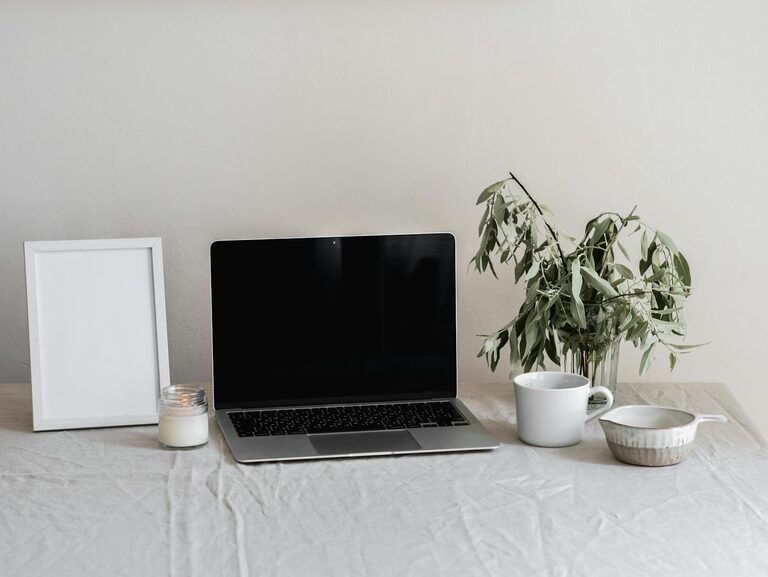
Creating a productive home office environment is essential for anyone working remotely or spending significant time at home on professional tasks. A well-designed space can improve focus, reduce distractions, and make your workday more enjoyable. Whether you have a dedicated room or a small corner in your living space, these tips will help you craft an efficient and comfortable workspace.
Choose the Right Location
Selecting the best spot for your home office is the first step. Ideally, choose a quiet area that receives plenty of natural light. Natural light helps reduce eye strain and enhances mood.
– Avoid high-traffic areas or places prone to noise.
– If space is limited, consider using room dividers or screens to create boundaries.
– Position your desk near a window to take advantage of daylight.
Invest in Ergonomic Furniture
Comfort is crucial when working long hours. Ergonomic furniture supports your posture, reduces fatigue, and prevents discomfort.
– Use an adjustable chair that supports your lower back.
– Opt for a desk at the right height to keep your elbows at a 90-degree angle while typing.
– Consider accessories like a footrest, keyboard tray, or monitor stand to customize your setup.
Organize Your Workspace
Clutter can distract and decrease productivity. Keeping your workspace tidy helps maintain focus and makes it easier to find what you need.
– Use shelves, drawers, and containers to store supplies neatly.
– Keep only essential items on your desk.
– Utilize cable management tools to avoid tangled cords.
Optimize Lighting
In addition to natural light, proper artificial lighting is important, especially during evening work sessions.
– Choose a desk lamp with adjustable brightness.
– Use warm, white light bulbs to create a comfortable atmosphere.
– Position lights to avoid screen glare and shadows on your work surface.
Minimize Distractions
Creating an environment with fewer distractions helps sustain attention and efficiency.
– Turn off notifications on devices when working.
– Use noise-cancelling headphones or play soft background music if it helps concentration.
– Inform family members or housemates of your work schedule to reduce interruptions.
Personalize Your Space
Adding personal touches can make your home office feel welcoming and motivating.
– Display artwork, plants, or photos that inspire you.
– Incorporate your favorite colors through stationery, decor, or upholstery.
– Keep a small whiteboard or planner visible to track goals and deadlines.
Establish a Routine
A consistent daily routine creates a clear boundary between work time and personal time.
– Set specific working hours and stick to them.
– Begin your day with a morning ritual, such as a cup of coffee or short exercise.
– Take short breaks to move around and refresh your mind.
Use Technology Wisely
Leverage technology to stay organized and connected, but avoid letting it become a distraction.
– Use apps for task management, time tracking, and video conferencing.
– Ensure your internet connection is strong and reliable.
– Keep your computer and software updated for smooth performance.
Keep Air Quality and Temperature Comfortable
A well-ventilated office with a comfortable temperature supports concentration.
– Open windows occasionally for fresh air.
– Use a fan or heater as needed to maintain a pleasant temperature.
– Consider adding a small indoor plant to help purify the air.
—
By following these tips, you’ll create a home office environment that supports productivity and well-being. Remember, your workspace should reflect your personal preferences and needs. Take the time to adjust and experiment until you find the perfect setup for your work-from-home lifestyle.


More Stories